
(wait until all images are loaded)
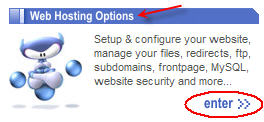
1. From the "Web Hosting Options"click "enter>>"
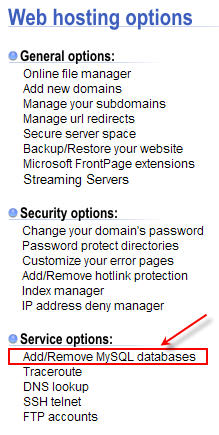
2. From the "Service options"click "Add/Remove MySQL databases"
3. Scroll the page until you find the section "Database, username & permission-granting tools:"

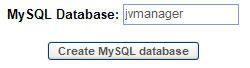
4. Type the name of the MySQL database and click "Create MySQL database"
That's it.
If you cannot create a new database, you can use an existing one. JVM will use a jvm_ and minima_ prefixes for the tables it needs, so there will be no intervention with your existing ones.
Normally at ThirdSphere.com, your databases'names are consisted of: yourhostingusername_databasename
So if your username for accessing your control panel is yourusername, the new database will be titled yourusername_jvmanager
As for your MySQL username and password, normally they are the same with the username and password you use to access your CPanel through the web.